
Reframe Your Workflow.

Turn any display into a dynamic, autorotating productivity tool.

✔ 30‑day money back guarantee

Introducing Autolith

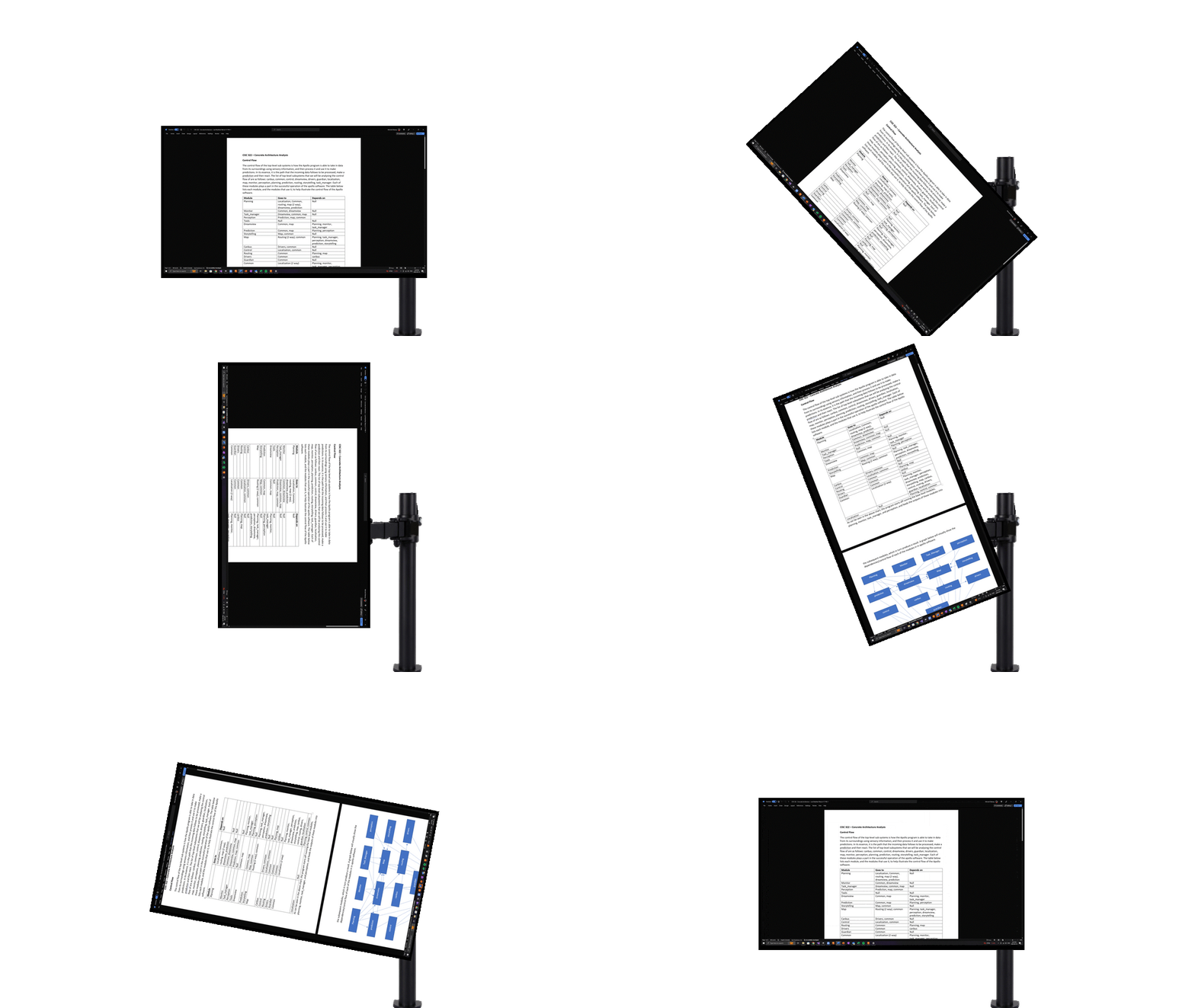
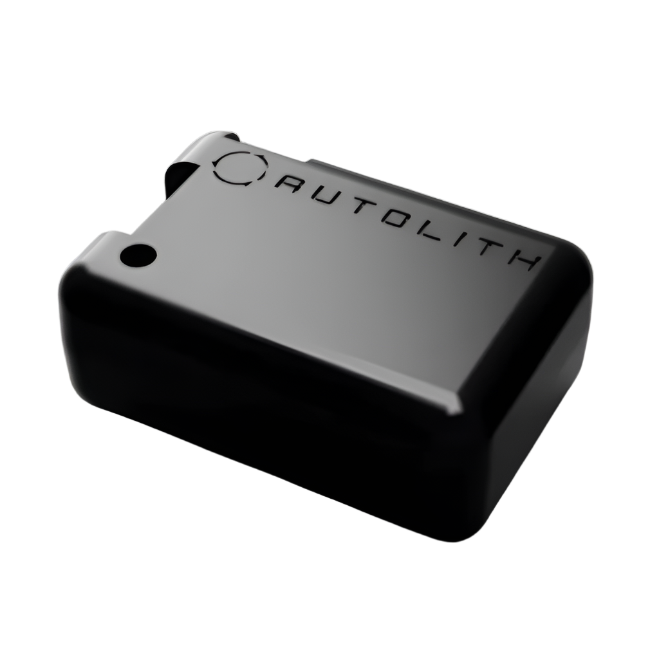
Autolith attaches to the back of any display and connects to your computer, adding autorotation to your display. It gives you a flexible setup capable of adapting to any workflow.

Any time you want to reconfigure your displays, simply rotate your screen, and Autolith will automatically adjust your monitor.

We are still in our early access phase, by joining us now, you get a discounted price, and get to help us shape what comes next.

How it Works

Attach Autolith anywhere on your display to start setting up your adaptive display experience.
Connect Autolith to your computer using Bluetooth.
  • Download Autolith Command Center.
  • Go to the Devices tab.
  • Select your Autolith Device in the New Devices list. Select the display Autolith is attached to in the Displays list. Click Bind to Display.
  • You can now rotate your displays to any position, and Autolith will automatically adjust your displays to match its new position.
  • Now you can experience seamless workflow transitions with effortless display rotation, boosting your productivity and amount of content you see, vertically or horizontally.
  • Autolith will automatically reconnect to your computer whenever the bound display is connected, enabling autorotation. You only have to interact with it when it needs to be recharged (about every 6 months), or not at all if you choose to install the optional power cable on your display.

    How it Helps

    • Seamlessly switch between display orientations
    • Make your workstation efficient and adaptable, ready to tackle any task
    • See more of what you need to, enhance your comprehension
    • Boost your productivity

    Autolith gives you full control over how you work and interact with your displays.